A growing audience reached a dead end
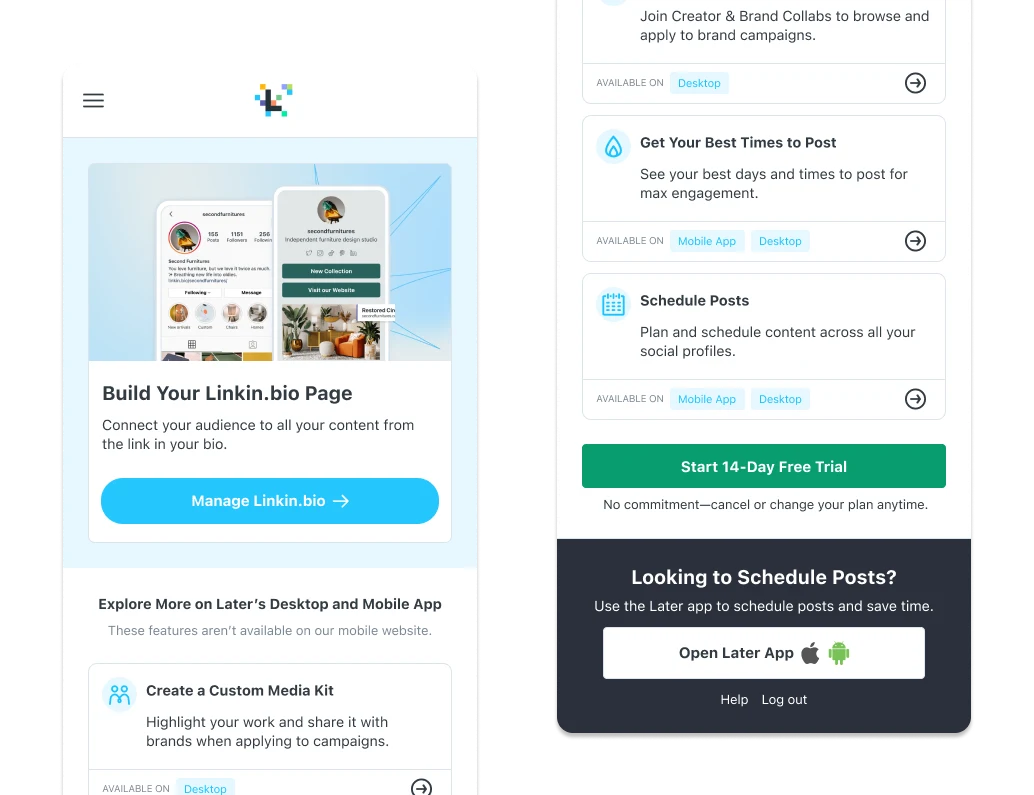
Later was seeing a surge of people signing up through mobile browsers, but the product gave them two options: download the mobile app or move to desktop. Only 30% went on to sign in to the app, and 1% signed in on desktop.
The task was to give those users a useful way to begin on the device and browser they had already chosen. I was responsible for unlocking Later’s first mobile browsing experience.
This case focuses on entering Later through a mobile browser. The separate Onboarding case study explains the broader framework and scheduling redesign.
Give new users a useful next step
The onboarding challenge extended beyond creating an account: new users needed somewhere to go without switching devices. The mobile welcome experience introduced the capabilities available in the browser and gave people a next action.
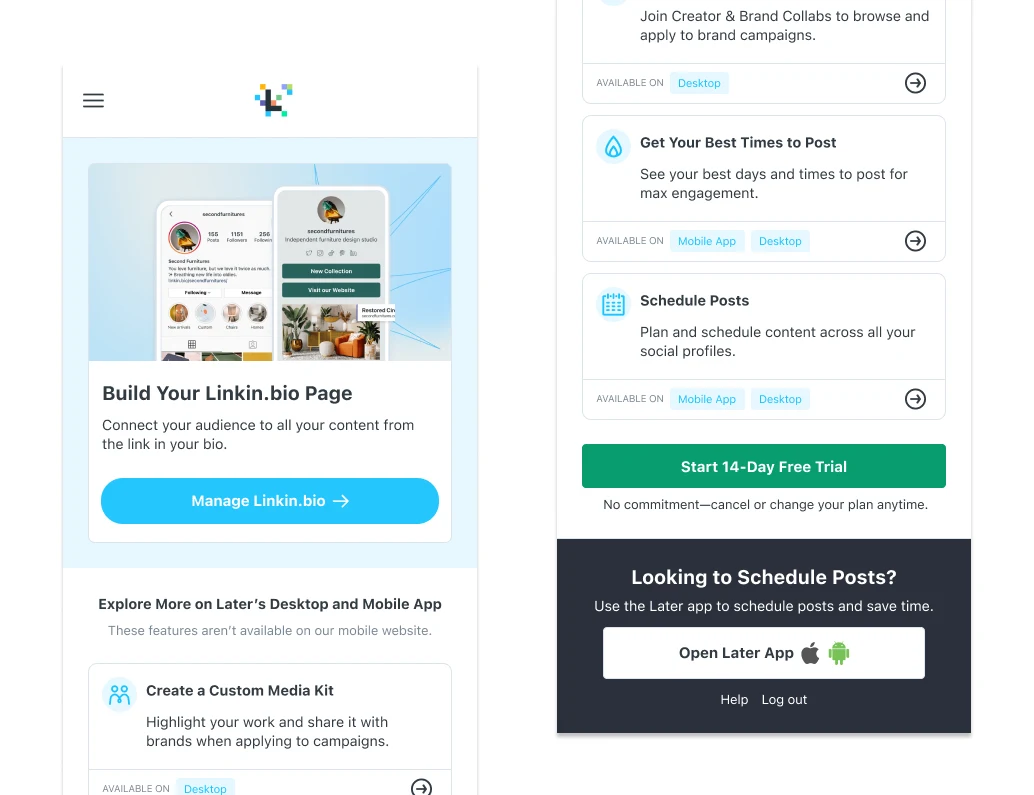
For the first release, we worked with the Linkin.bio team to make page creation and editing available on mobile web. It provided an initial destination after sign-up within the broader onboarding journey.
Align on behavior before polishing screens
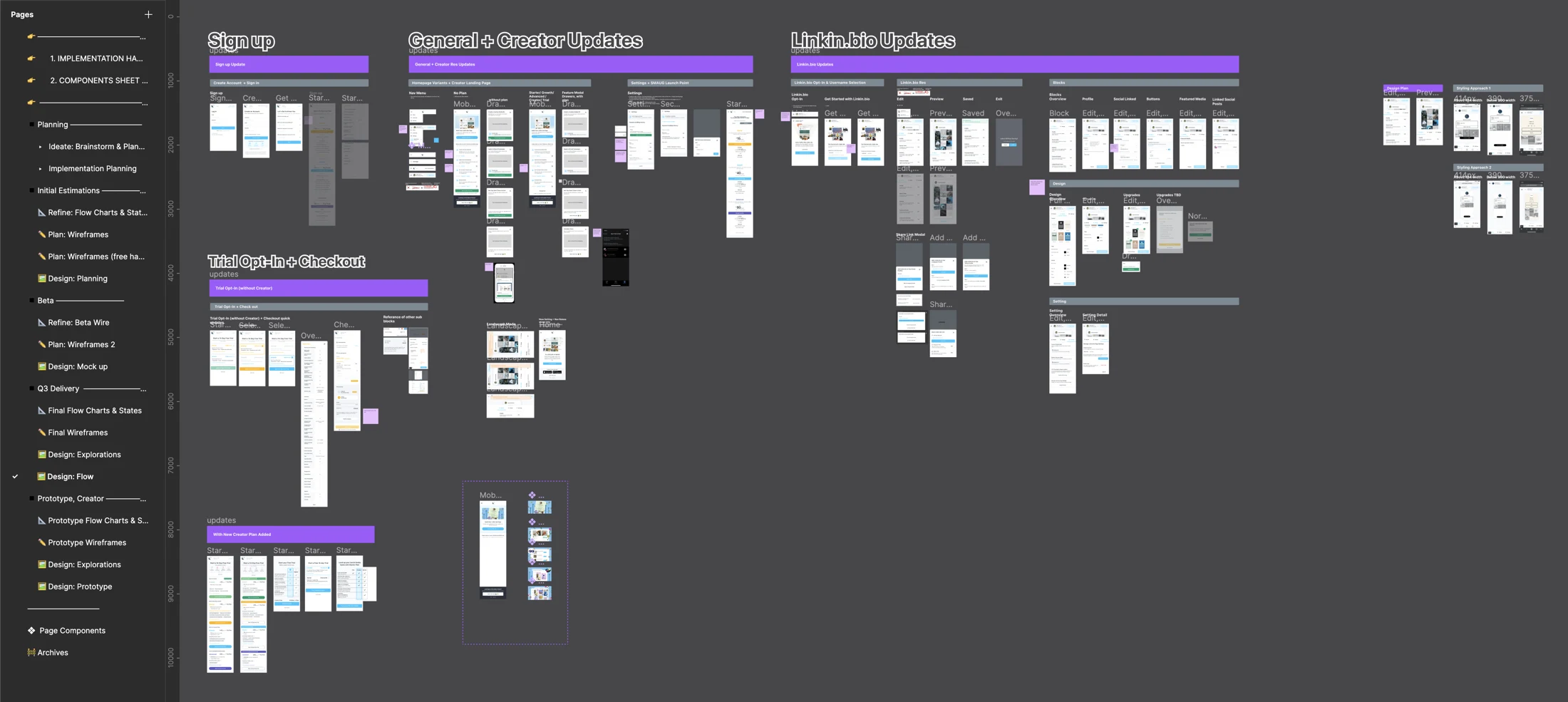
We used collaborative FigJam sessions to work through what each screen needed to contain and what people could do there. At that stage, the priority was agreeing on details and actions rather than visual fidelity.
As we approached beta, we moved into detailed screen designs. Handoff reviews exposed smaller interaction questions, and comments were resolved before the next handoff. The work progressed from a shared journey to implementation detail through those reviews.
Use the beta to expand the experience
The original project account describes a successful beta that allowed us to extend mobile web to Creator Marketplace and Settings. Linkin.bio was the starting scope, followed by additional capabilities as the experience developed.
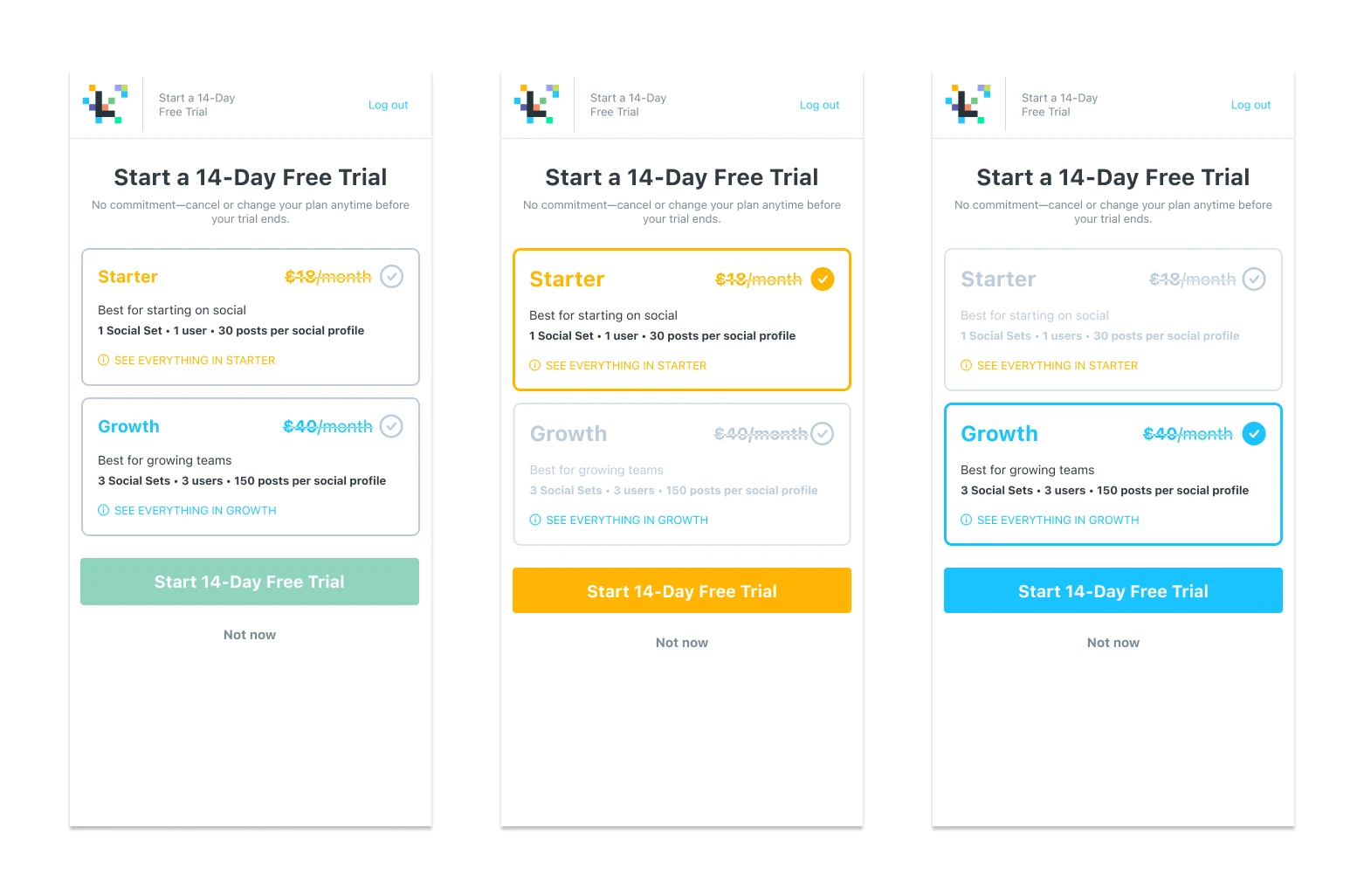
We also introduced trial upgrades within the mobile browser. That made paid access part of the new entry point, alongside the core creation experience.
A new platform within one quarter
Within one quarter, mobile web became a new way to experience Later. It processed 14% of new account sign-ups and 7% of premium trial starts in the reported results.
Those figures show the new entry point’s contribution to sign-ups and trials. The delivery story is equally important: we began with a focused use case, worked with the team that owned it, and expanded from the beta into a broader mobile experience.